
1
A time clock on the phone
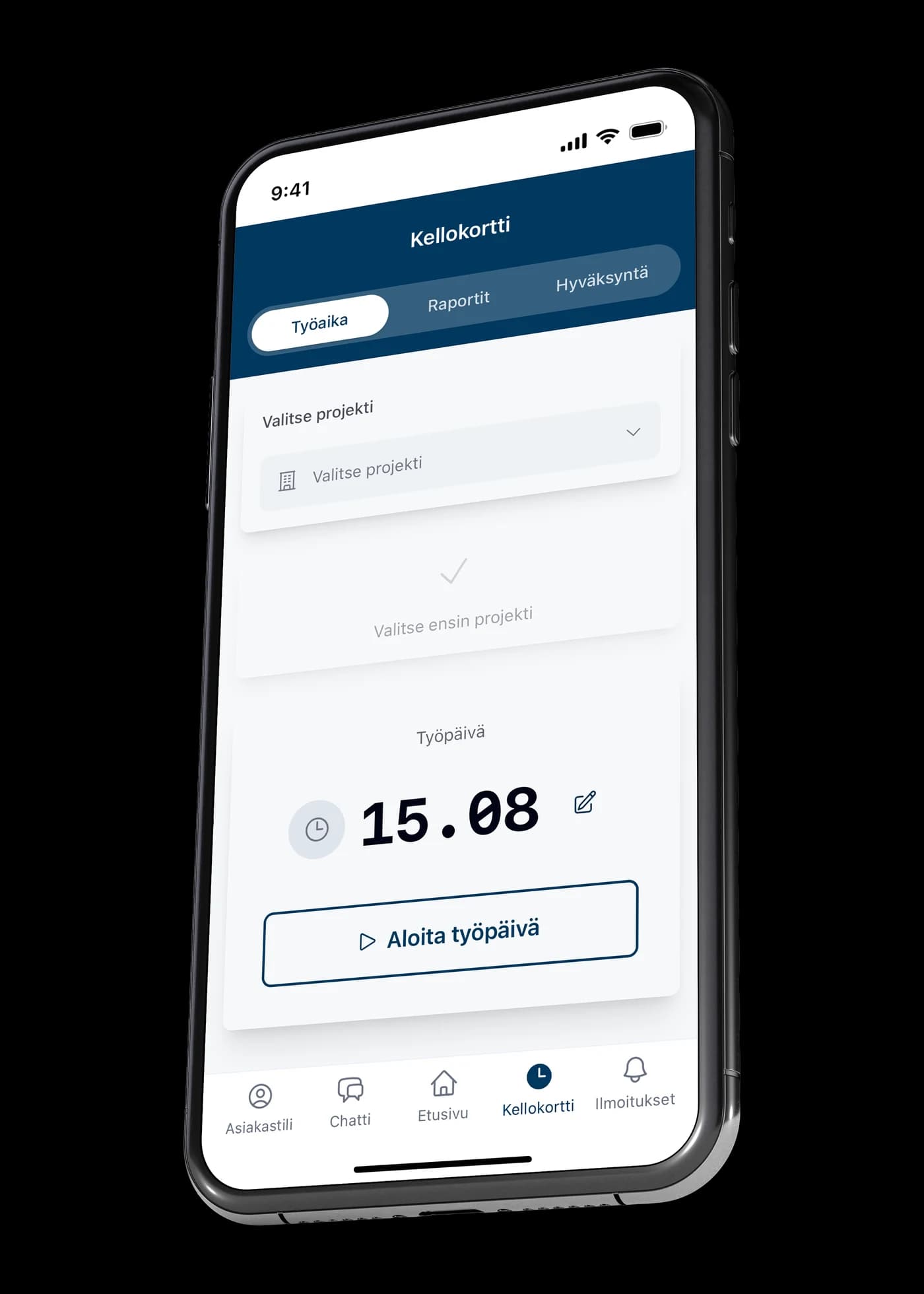
The worker picks a project and starts the day. Nothing has to be remembered afterwards, and nothing beyond a phone is needed on site.
Time tracking
Hours are recorded where the work happens, not from memory at the end of the month. The worker picks a project and starts the workday from their phone, and the hours land on the right site.
1
The worker picks a project and starts the day. Nothing has to be remembered afterwards, and nothing beyond a phone is needed on site.
2
Because the project is chosen when clocking in, hours are allocated to the right site immediately. The real hours on a project are known all along, not first at invoicing.
3
Accrued hours appear in reports and move on to approval. Supervisors review them in the app, so the turn of the month is not spent chasing paper.
A phone is enough. The time clock is in the same app where the worker sees their own tasks and the project conversation.
The project is chosen when clocking in, so hours go to the right site straight away. Nothing has to be allocated afterwards.
Yes. Hours have their own approval step, and the accrual is visible per project in the reports.