
The app
See what VÖRK looks like
The whole job in one app: from quote to project, from hours to materials and communication. Pick your role and we'll show you your own views.
Choose your role
VÖRK shows each person what matters to them.
One place for the whole job
Quotes, projects, hours and materials in a single app. You know where every site stands and what it has cost so far, without pulling the numbers out of several separate systems.
A phone is enough
Start the workday from the time clock, see your own tasks and take part in the project conversation. Hours go to the right project automatically, so there are no timesheets to fill in afterwards.
See what you're paying for
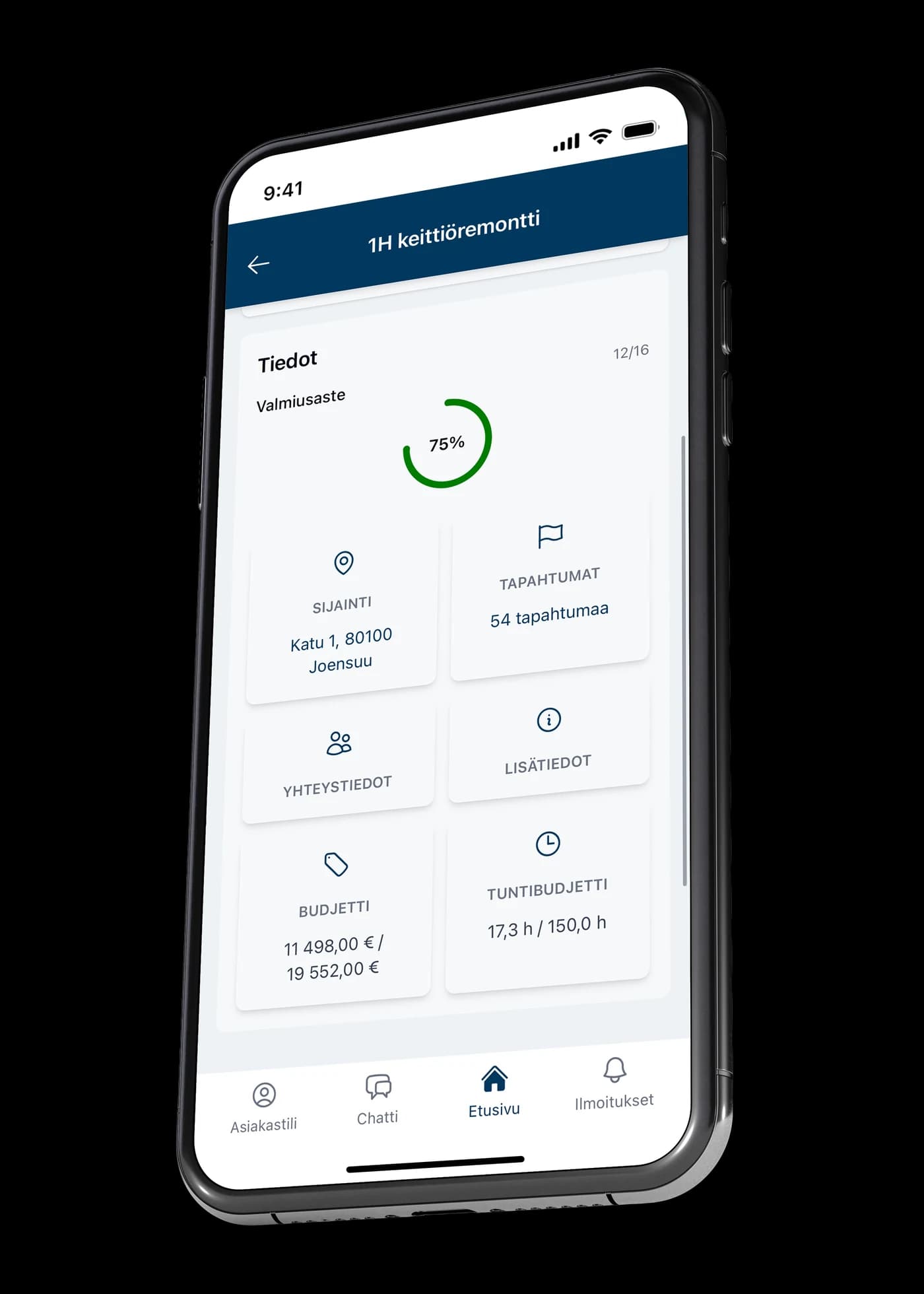
The client gets their own view of the quote and the progress of the project: cost estimate, completion rate, budget and the state of each task. A client account is free. If you'd rather not have an account, the quote can also be reviewed as a PDF sent by email.
Views in this role
Browse the views and see what each one is for.
1 / 5
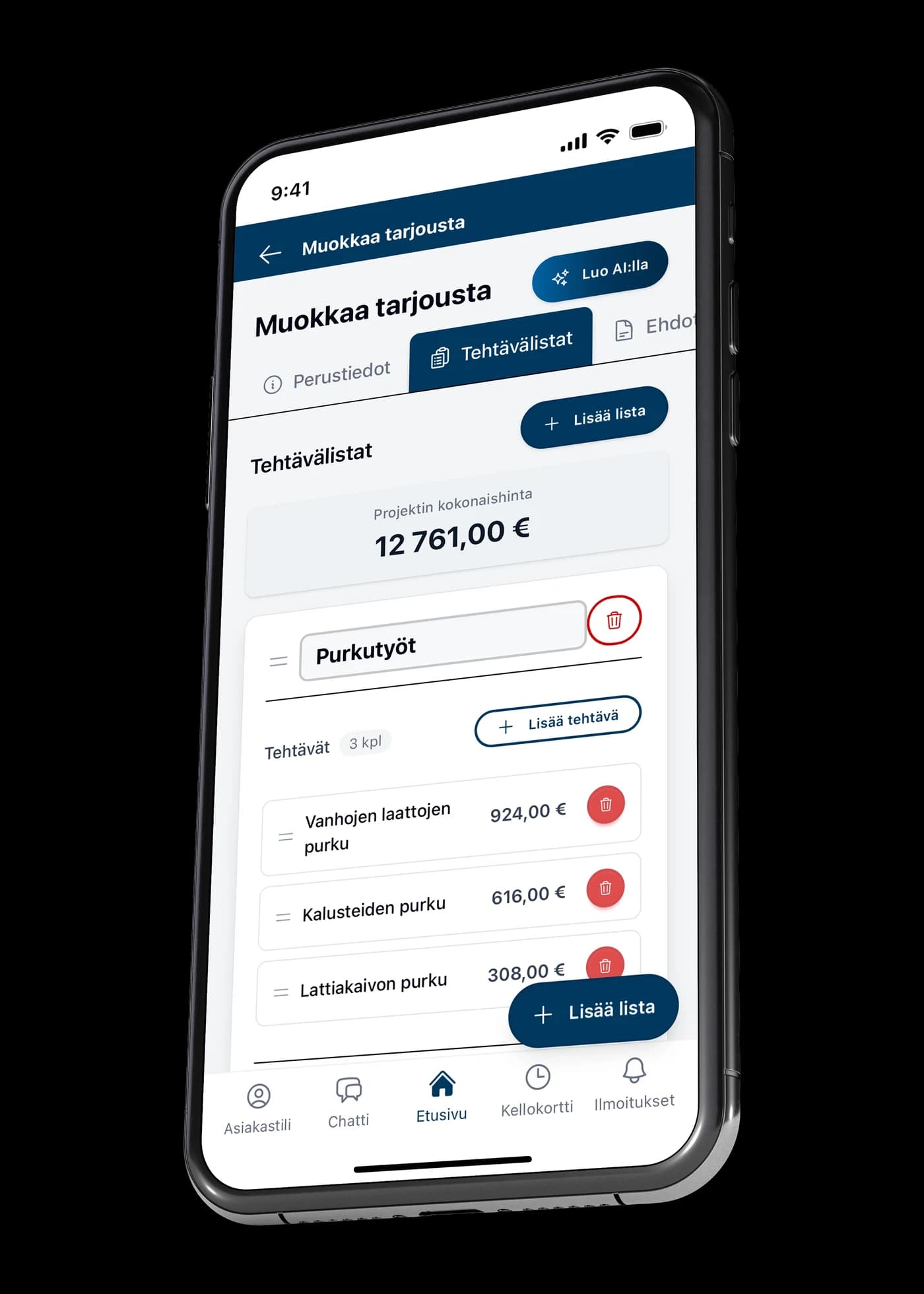
A quote built from task lists
Add the tasks with their prices and the project total updates as you go. “Create with AI” drafts the quote for you, turning hours of work into minutes. An accepted quote becomes a project without retyping anything.
2 / 5
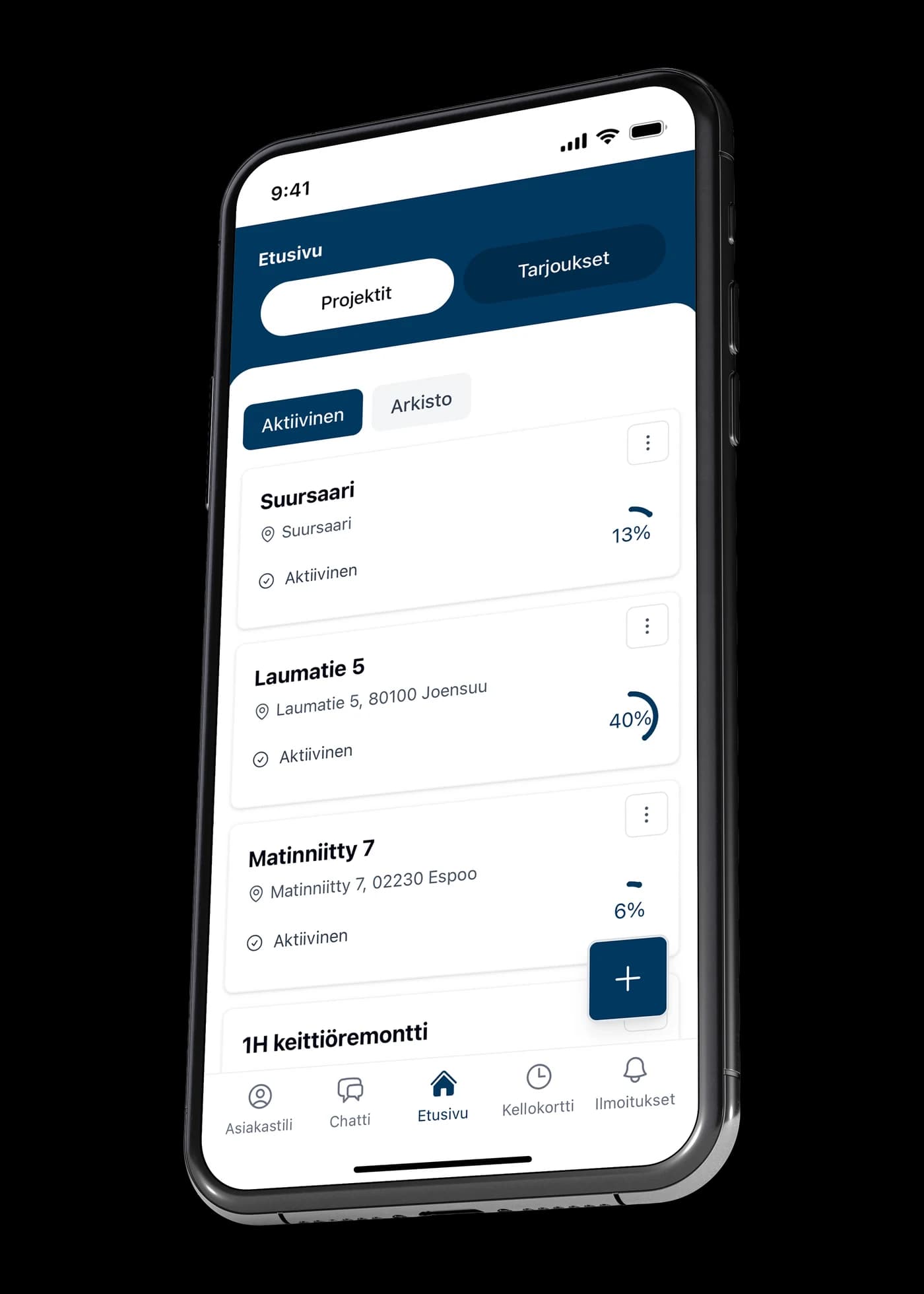
Every site in one view
Projects appear in a single list with their completion rates. Filters separate active from archived, and inside a project you find its tasks, budget, hour budget and events.
3 / 5
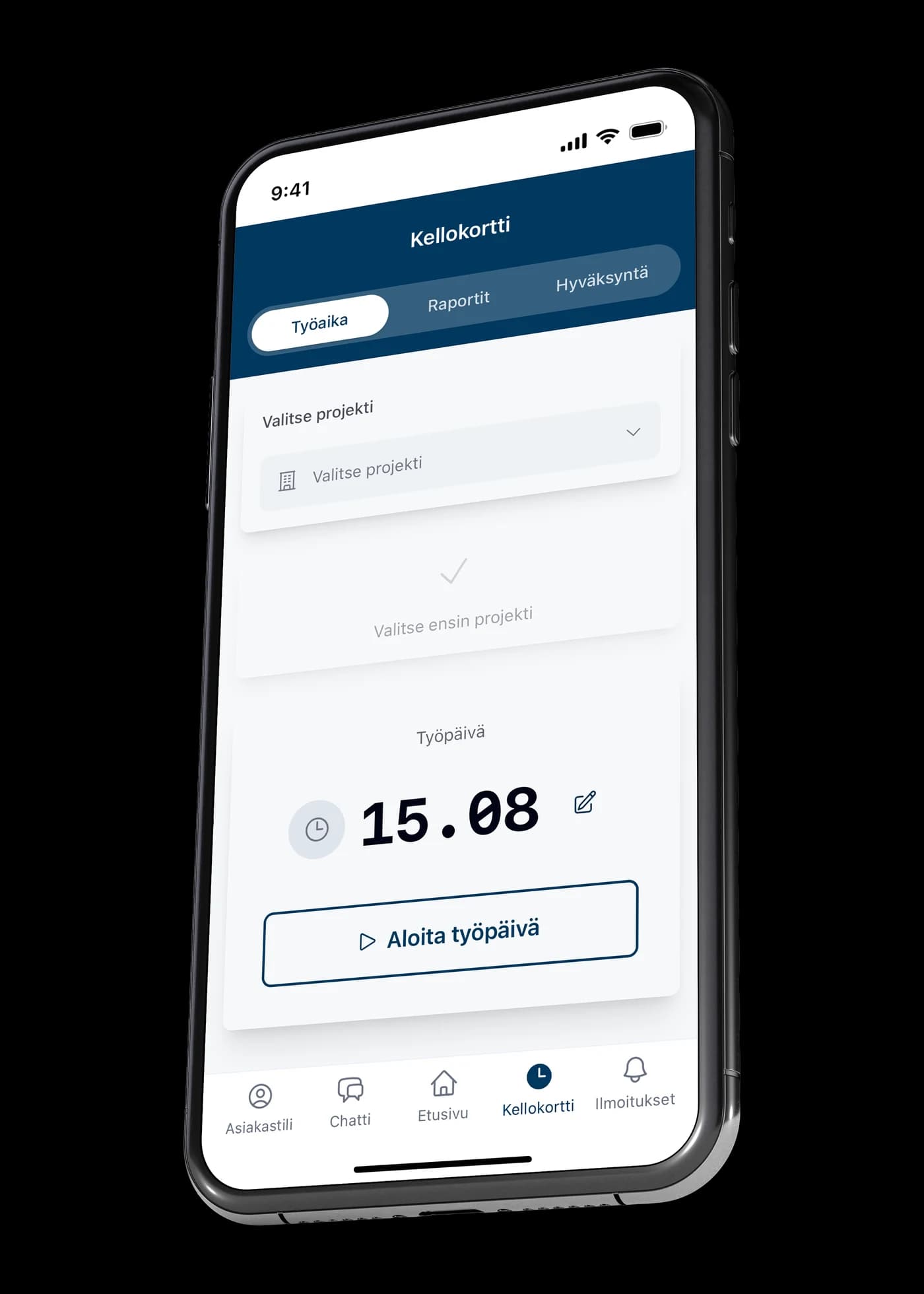
Hours land on the right project
Pick a project and start the workday from your phone. Hours are recorded against the right site and flow into reports and approval — no paper timesheets, no end-of-month reconstruction.
4 / 5
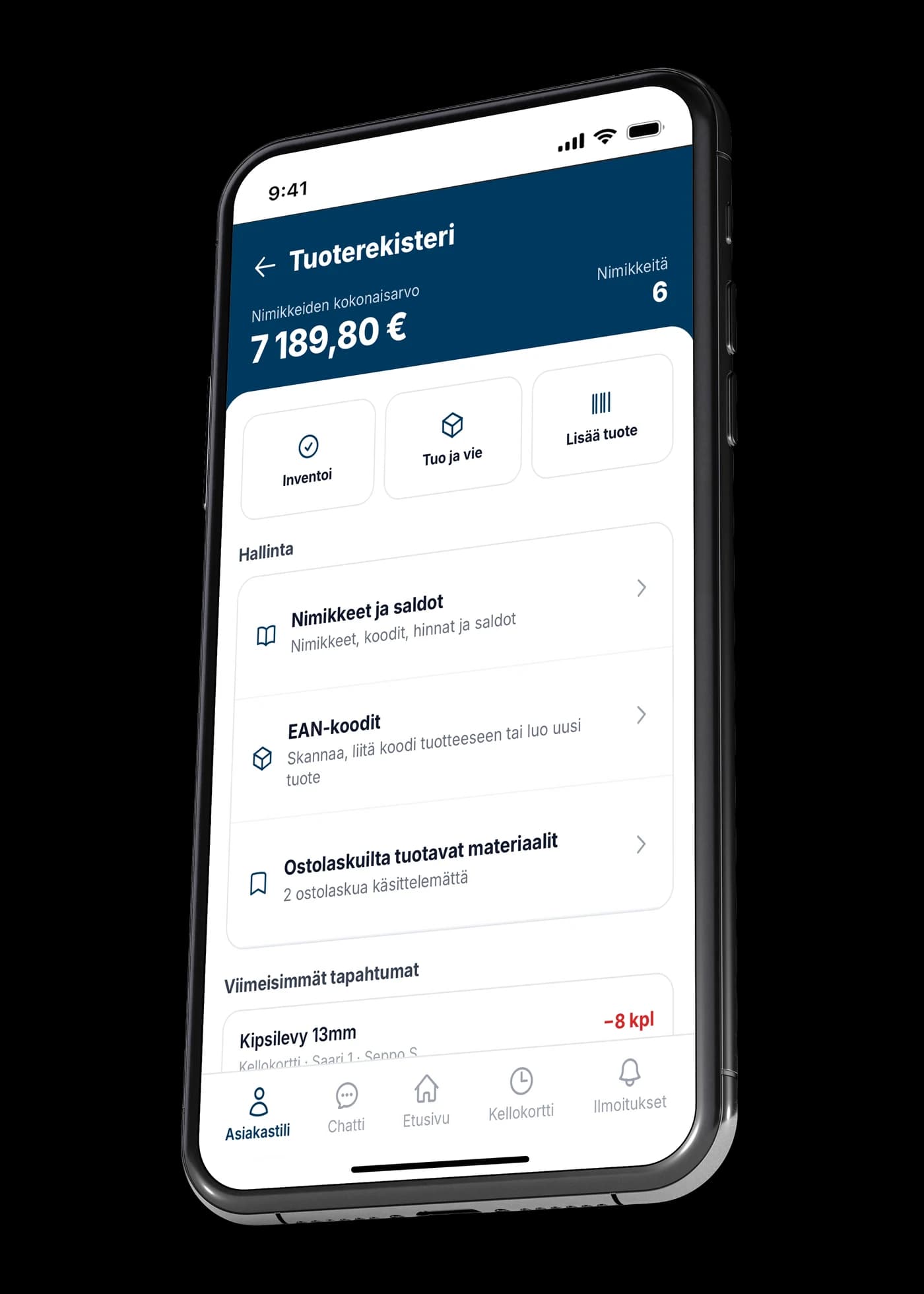
Stock that stays current
The product register keeps items, prices and balances in order, and the total value of your stock is visible on the front screen. Stocktaking is done in the app, and EAN codes are stored on items. Materials live in the same app as the projects.
5 / 5
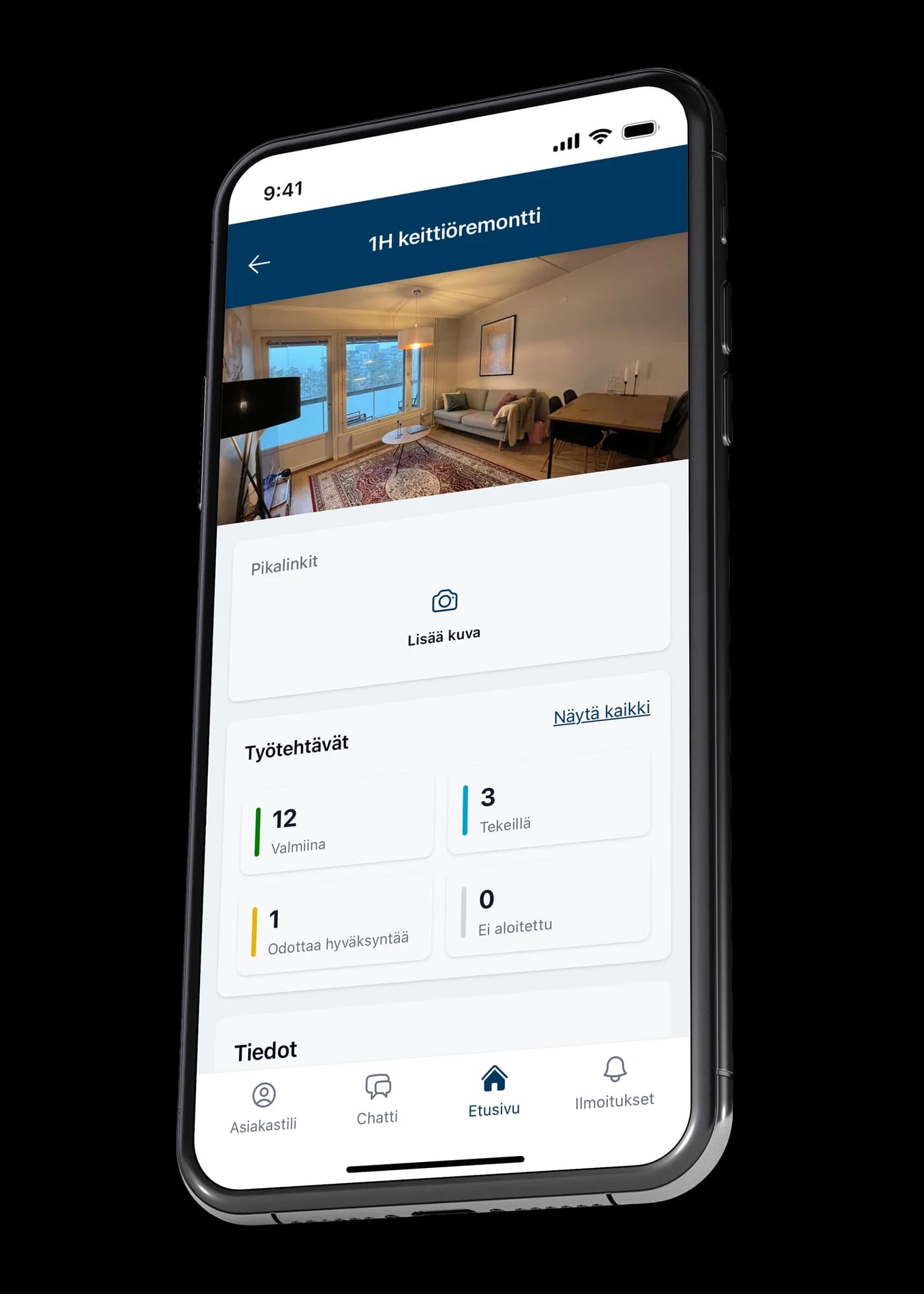
Site messages stay with the project
Every project has its own conversation, open to everyone involved: the contractor, the workers and the client. What was agreed stays where it belongs — with the project, not in private message threads.
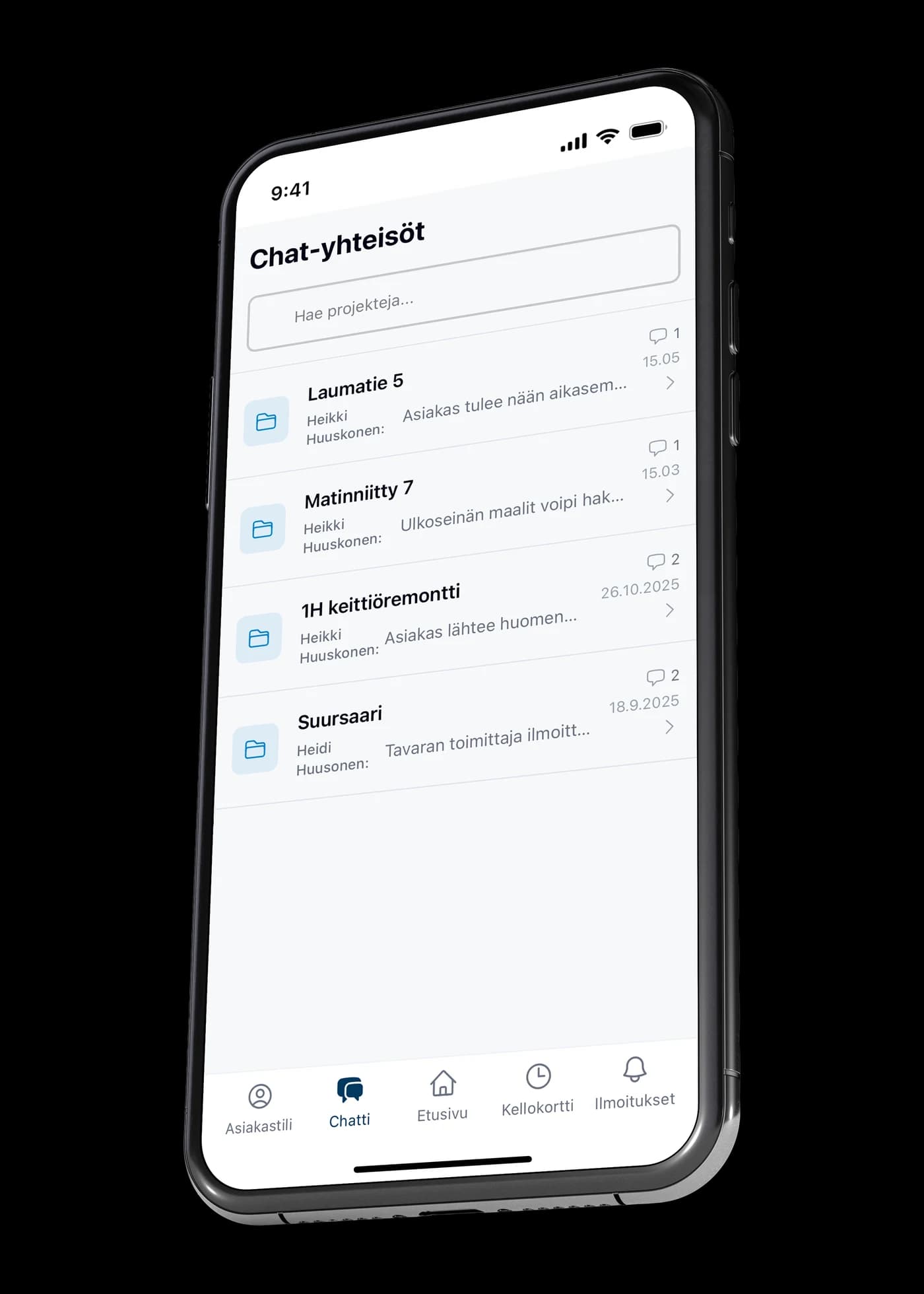
The quote in your own view
The client sees the site details, the contractor and the full project description in their own view. The same information is also in the PDF sent by email, if you'd rather not set up an account.
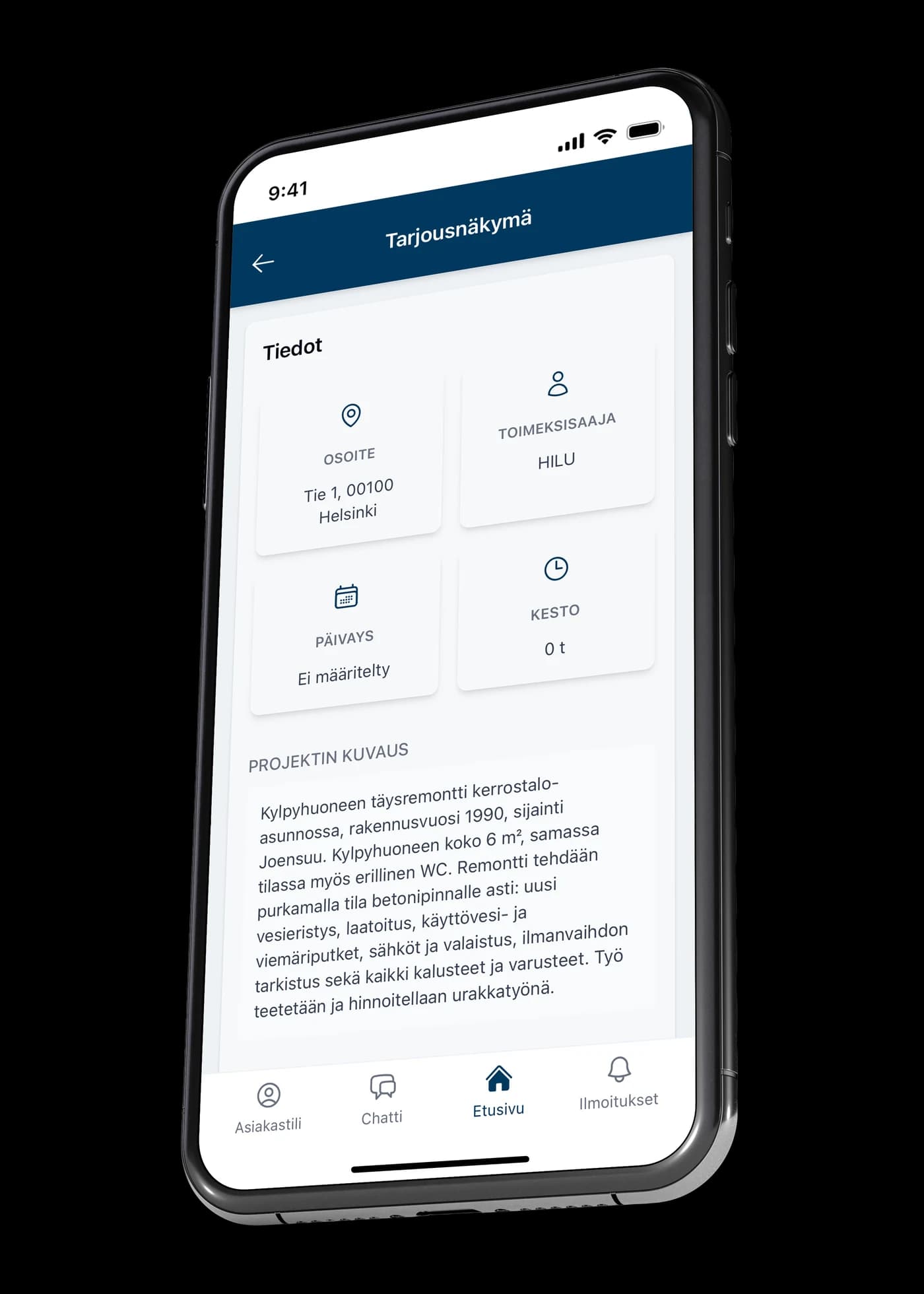
See how the price adds up
The cost estimate is itemised: materials, labour estimates and tasks line by line. The client sees where the total comes from, not just the final figure.
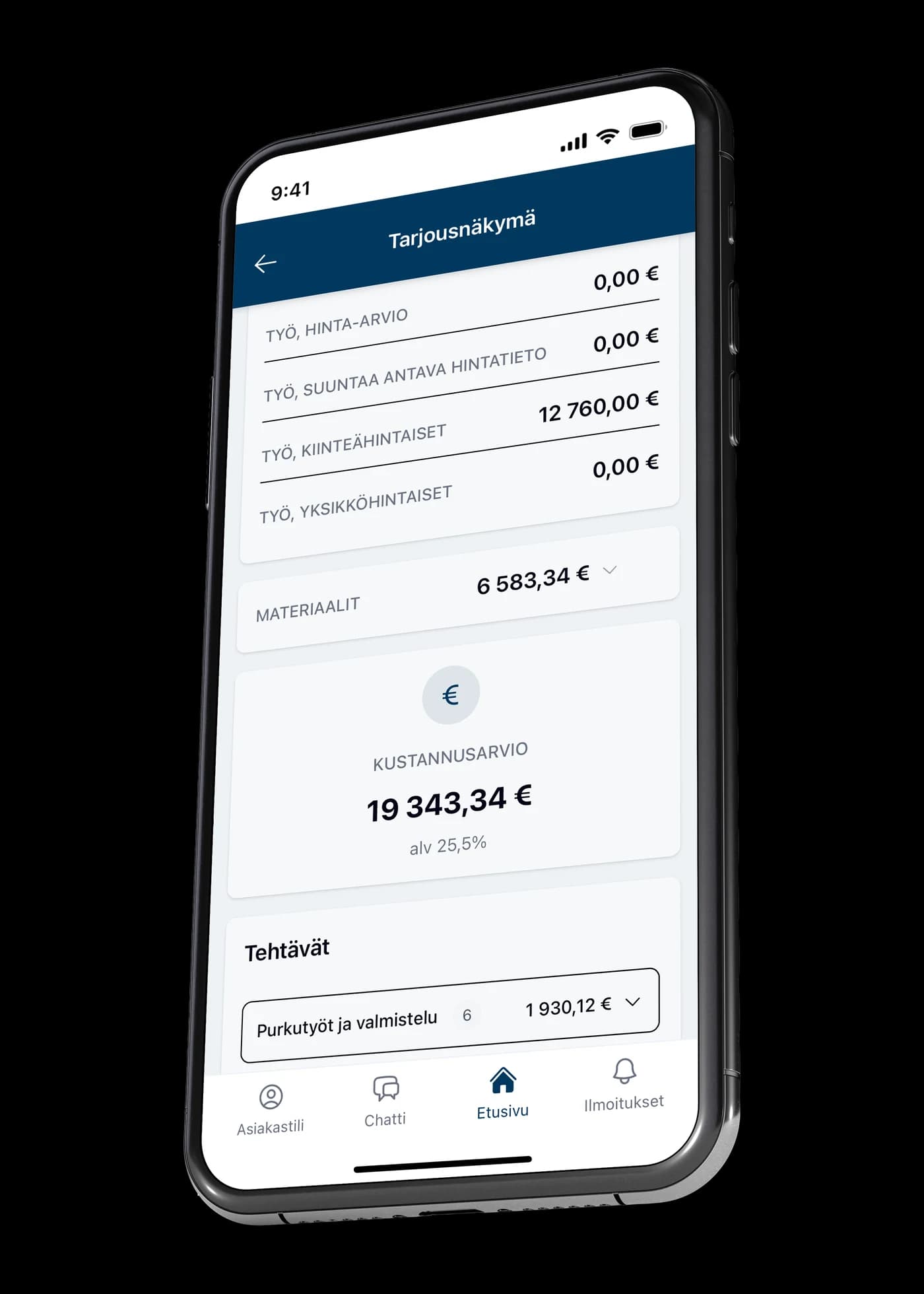
The state of the work without a phone call
A photo from the site and the state of the tasks: how many are done, in progress, awaiting approval or not yet started. The client doesn't have to ask how it's going.
Completion rate and budget in real time
The project's completion rate as a percentage, plus how much of the budget and hour budget has been used. The client can see for themselves whether the work is on track — and the contractor avoids explaining afterwards.
What VÖRK gives you in this role
Everything below is available now — not coming, but included in the price.
- Quoting with priced task lists
- AI-assisted quote drafting
- An accepted quote becomes a project without retyping
- Project management, completion rate and budget tracking
- Project and company task lists
- Time clock with hours recorded against a project
- Hour reporting and approval
- Project chat for everyone involved
- Product register: items, prices and balances
- Stocktaking in the app
- EAN codes on items
- Reviewing the quote in your own view
- Completion rate and budget visible to the client
- A client account is free
- The quote also as a PDF by email
Invoicing
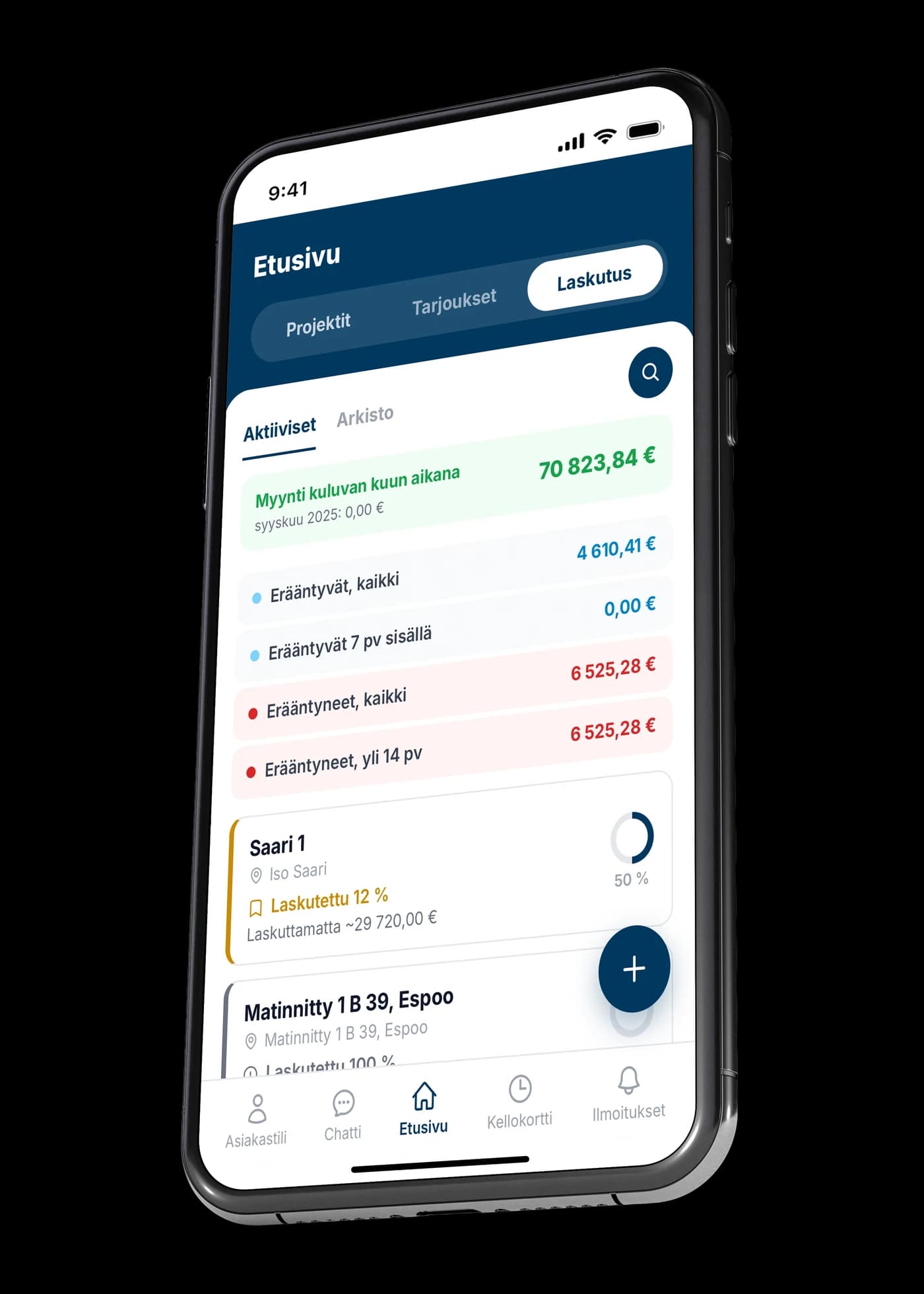
Sales and purchase invoice management is in development: invoices straight from project data, final invoices, and allocation of purchase invoices to projects. Leave your email address and we'll let you know the moment it's available. We won't send you anything else.
 Coming soon